Wax Castle
A downloadable tool for Windows
Wax Castle is a somewhat user-friendly game-agnostic level editor. It is intended for use among Teddykaboom game jam teams, but could potentially have other utility as well.
Please visit my discord for more information!
Instructions for level designers:
Left mouse button is tiles, right mouse button is objects, escape (esc) opens the main menu
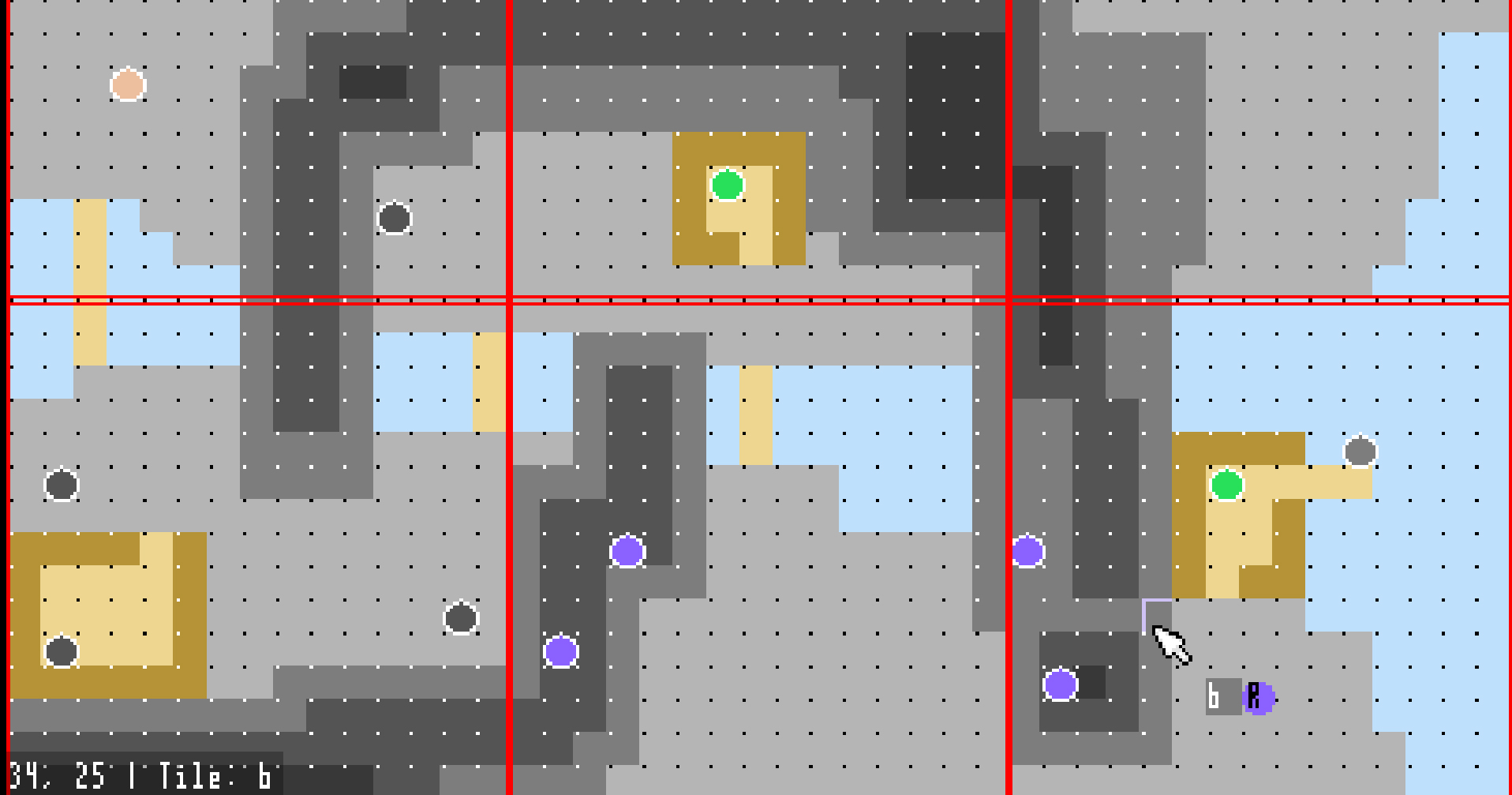
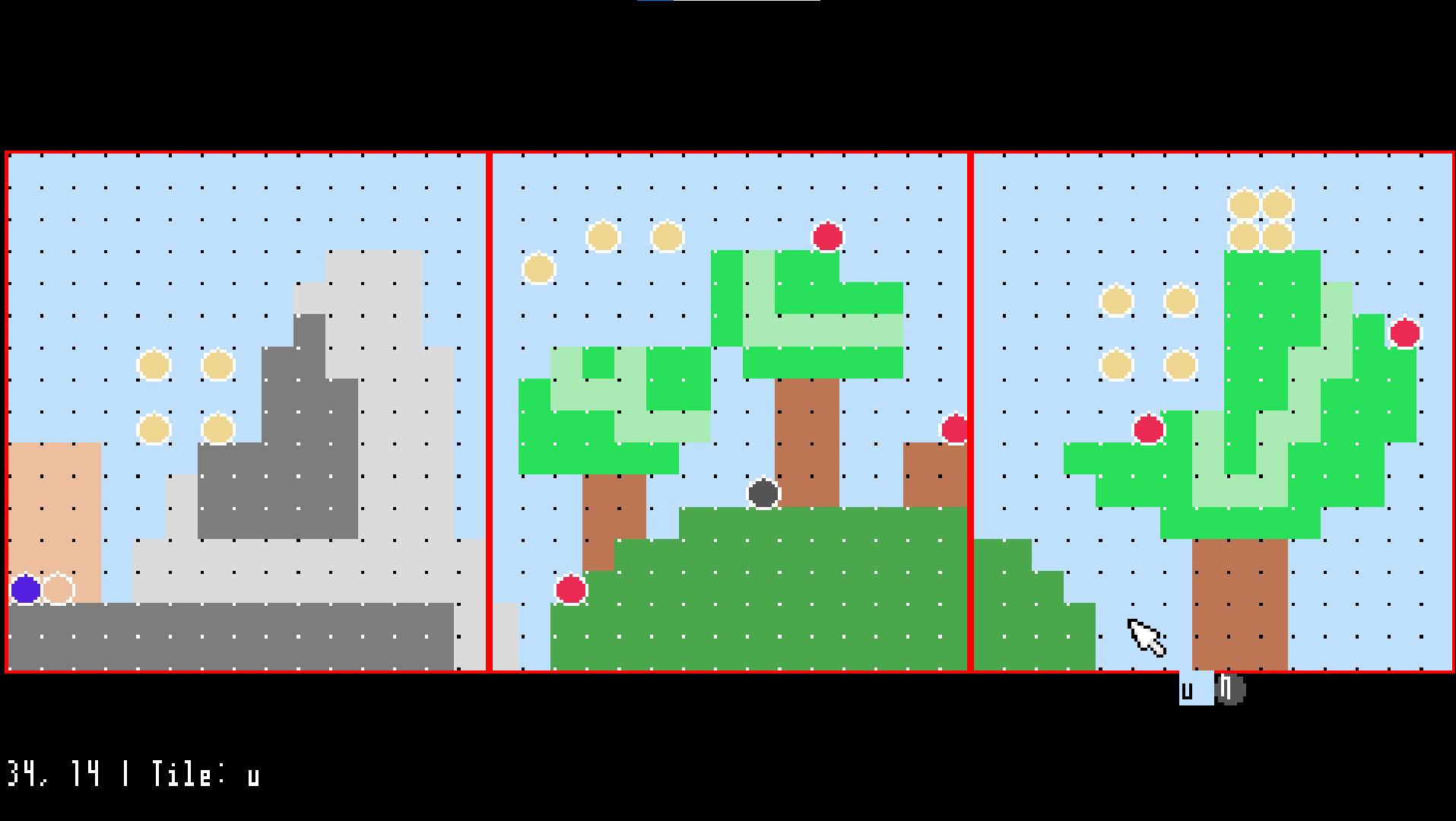
Open the program, behold a dot grid and a larger red grid. The dot grid represents squares in a game, and the red grid represents the size of the player’s screen. You can paint tiles onto this grid with the left mouse button. Select a different tile with a letter key. (There are 26 tiles.) What these tiles represent will be outlined near the beginning of each project.
You can place objects with the right mouse button. You can select a different object by holding shift and pressing a letter key. So similarly to tiles, there are 26 options which will be outlined near the beginning of each project.
Navigate with the spacebar. Hold space and drag with the left mouse button to pan around, and drag with the right mouse button to zoom.
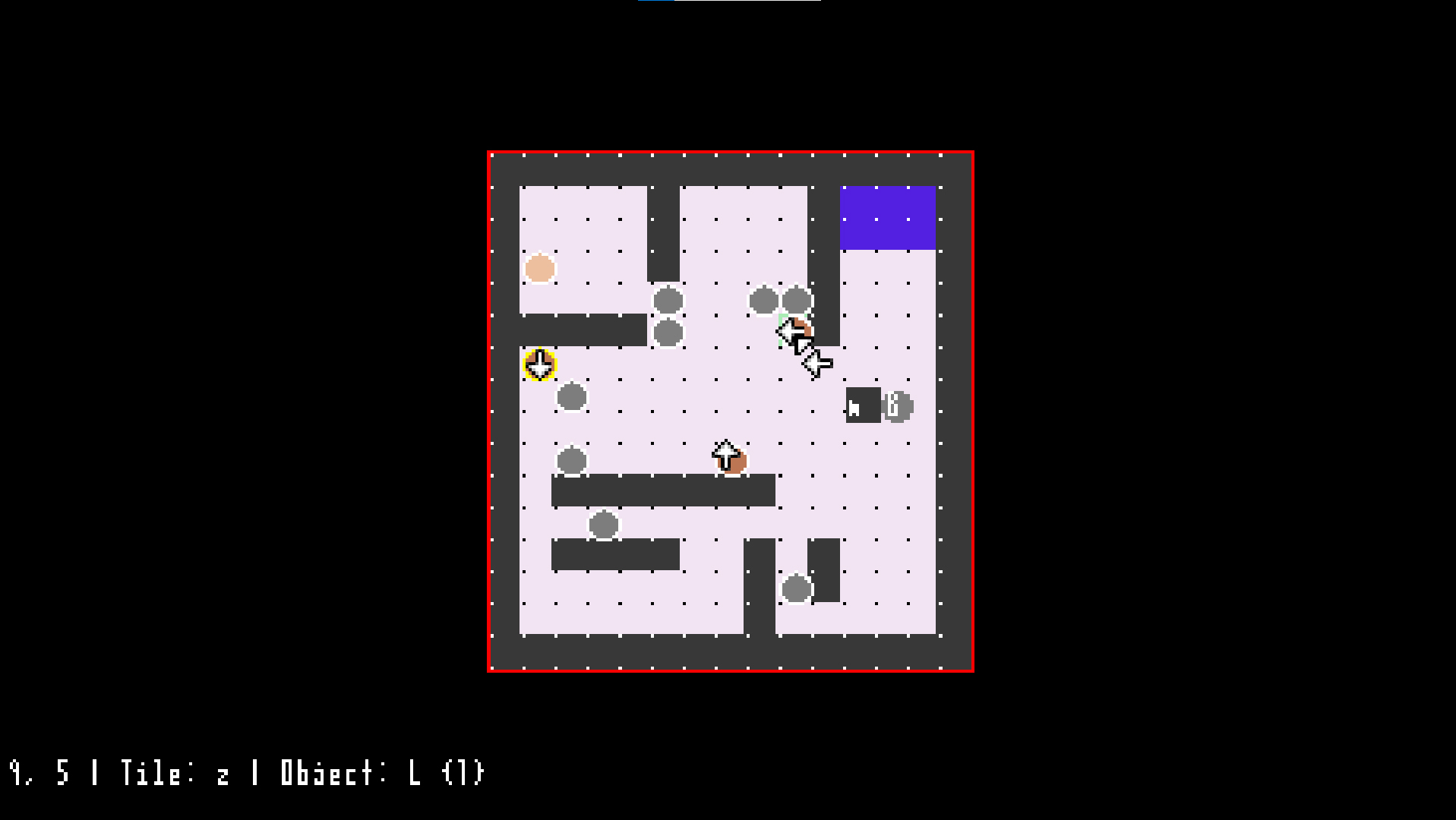
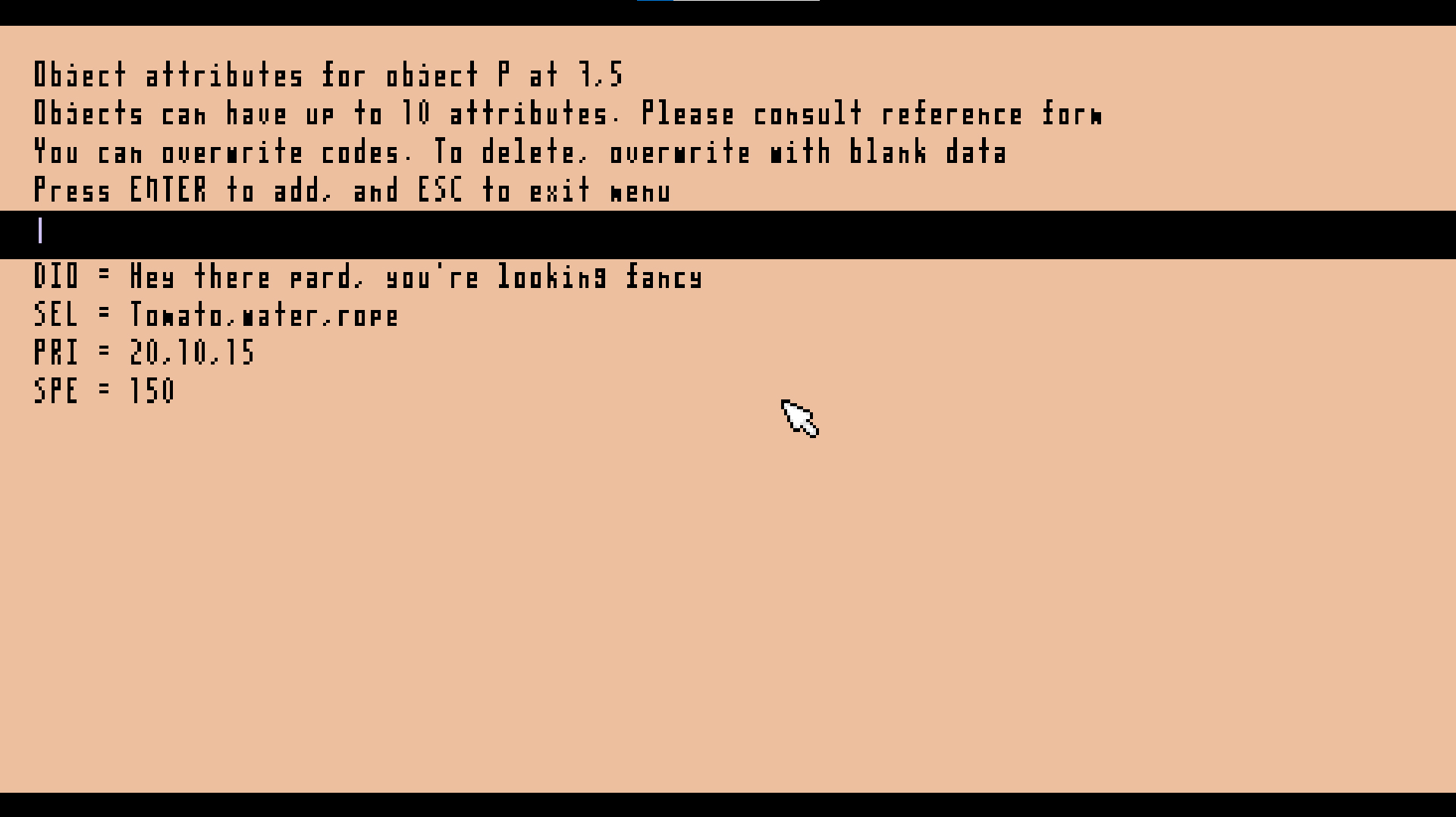
Double right-click an object to open its attribute menu. Attributes are three letter codes and can contain numbers or strings of text, and unique to that one specific instance of the object. Each object can have up to ten attributes. Again, what they represent will be outlined at the same point everything else is.
Press escape (Esc) to open the main menu. From here you can save your level, load a level, start a new document, or adjust level attributes. If you are running Wax Castle inside a WIP game build, you can also run your level to test it.
Some other tools and shortcuts:
- Click middle mouse button for tile fill tool.
- Right click and hold an object to duplicate it.
- Hold backspace for delete tool
- Hold an arrow key and right click an object to add a handy “DIR” attribute. - Right click and drag an object to move it.
Known Issues:
- There's no warning before loading a file or starting a new file. Be careful in the menu. If you click "new" by accident but haven't lifted your finger yet, remain calm. Just drag the mouse off the button, and release. There you go. You did so good!
- Relatedly, there's no autosave or recovery features. Save often!
- Looks a bit janky. I like to say "charming." Don't worry, I'll patch the charm out at some point.
- Big levels, (100s of squares wide,) tend to run slow. But then they would probably make for slow levels anyways. Just don't make them!
- If you copy an object and then change either the original or one of the copies' DIR attribute with the arrow tool, it will change all the objects that were copied from that sorce. Not sure why this happens. It's charming, though.
Download
Leave a comment
Log in with itch.io to leave a comment.